
nhatvip payments: getting money in and out on a phone
I do all my nhatvip payments from a phone on 4G. The cashier has never taken more than a couple of minutes to confirm a deposit. Payouts are the slower half, and the first one always goes through a verification check.

In the app the cashier is one tap from the lobby. Switch off battery saver first: on some phones it dims the screen and closes the confirmation page halfway through a transfer.
How to make your first nhatvip deposit
-
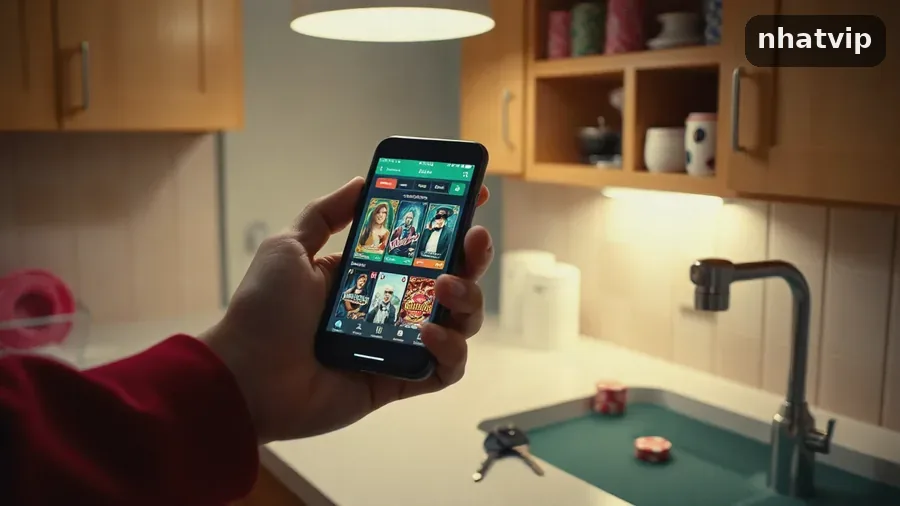 1Open the wallet from the lobbyLog in, then tap the wallet icon in the bottom bar. Your balance is at the top, with the deposit button right below it.
-
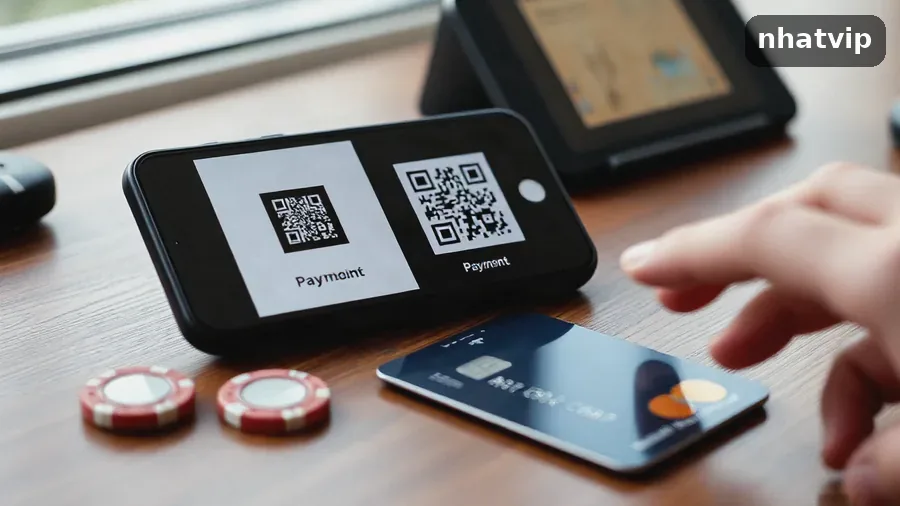 2Pick the route you actually useBank QR, a saved card or an e-wallet. QR is fastest if your banking app is already on the same phone.
-
 3Type the amount and the promo codeType the amount and check the figure once. If the welcome offer is what you want, put fun_2423 in the promo box.
-
 4Confirm and keep the screen openYour banking app opens for a moment. Then come back to nhatvip and wait for the balance to update. Keep a screenshot of the receipt in case support asks for it.
What fees come with nhatvip payments
What you type in the cashier is what gets added to your balance. Your bank or e-wallet may charge on top, and that fee shows on your own statement, so the real cost of a top-up depends on the route.
Every route has its own minimum and maximum, shown next to the amount field. Check them before you type: anything under the limit fails, and you have to do the whole thing twice.

| Route | Good for | What to watch |
|---|---|---|
| Bank QR transfer | topping up from a banking app already on the phone | the reference code has to match the one in the cashier |
| Debit or credit card | players with a card already saved in the browser | a bank can block the first gambling payment |
| E-wallet | keeping casino money away from the main bank account | the wallet balance has to cover the whole transfer |
| Crypto | players already holding USDT or BTC | network confirmations add time before the balance moves |
If your deposit triggers an offer from the nhatvip bonuses page, it comes with wagering. Read that offer’s terms before you send money: the bonus decides how soon a withdrawal can go out.
Payment options in the nhatvip cashier
This is what my account shows. A new profile may see fewer options, depending on the country and currency set on it. If one route is missing, the others still work.
For normal top-ups I use QR. It jumps to the banking app, I tap once, and I’m back in the lobby.
- Qr
- Visa
- Mastercard
- Apple Pay
- Google Pay
- Skrill
- Neteller
- Bitcoin
- Tether
- Muchbetter
nhatvip withdrawal: what gets checked before money leaves
A rút tiền request faces a check a deposit never faces. Your profile name, the bank details you entered and the bonus terms you accepted at sign-up all get matched.

Wagering that isn’t finished is the usual reason a payout sits there. If you took the 100% welcome bonus, clear the requirement first. Send a request before that and it either waits or comes back with your balance unchanged.
- a phone number and email verified once in your profile
- the same bank account you deposited from
- bonus wagering done, not half finished
- a screenshot of the deposit receipt if the amount was bigger than usual
The rules for all of this are in the nhatvip terms and conditions. Read them before your first payout, not after.

Mistakes that can hold up a nhatvip transfer
- a reference code that doesn’t match the one in the cashier
- cash sent from a friend’s or relative’s account
- closing the app while the confirmation screen is still loading
- asking for a payout before your profile is verified
If the money left your bank and your balance hasn’t moved after a few minutes, don’t send it again. Open the support chat with the receipt, the transfer time and the last four digits of the account you sent from.
Starting from scratch? Do the nhatvip registration first, the cashier second. Verification goes faster when your profile name matches your bank account exactly.
One phone habit worth having: set a weekly top-up amount before you open the app, and log out on shared devices. You must be 18 or over, and only spend money you can lose.

Common questions about nhatvip payments
How fast does a nhatvip deposit land?
QR and e-wallet transfers usually land a minute or two after your bank confirms. Card payments can take longer if the bank runs its own check. Crypto waits on network confirmations, so it’s the slowest of the four.
Can I deposit from another person's bank account?
No. The name on the account you send from has to match your profile name, and a payout goes back to the account you deposited from.
Does nhatvip take a fee on a top-up?
The cashier adds nothing of its own: the amount you confirm is the amount credited. Your bank or wallet can charge for the transfer, and that cost stays on your statement.
What's holding up my nhatvip withdrawal?
Most pending requests come down to unfinished bonus wagering or a verification step that’s still open. Check the bonus terms first, then your profile page.
Where does the promo code go?
On the deposit screen there’s a promo box. Type fun_2423 in it before you confirm; the code is for the welcome offer.
Can I do all this inside the app?
Yes. The cashier is inside the nhatvip app, and the mobile browser version works the same: your banking app opens, you come back, and the balance updates.
Is mobile data safe when I deposit?
The cashier uses an encrypted connection, so 4G on your phone is fine for a deposit. Public Wi-Fi is the one to skip when money is moving.